- Login into WebCADENCE™.
- Click the Action in the left navigation bar.
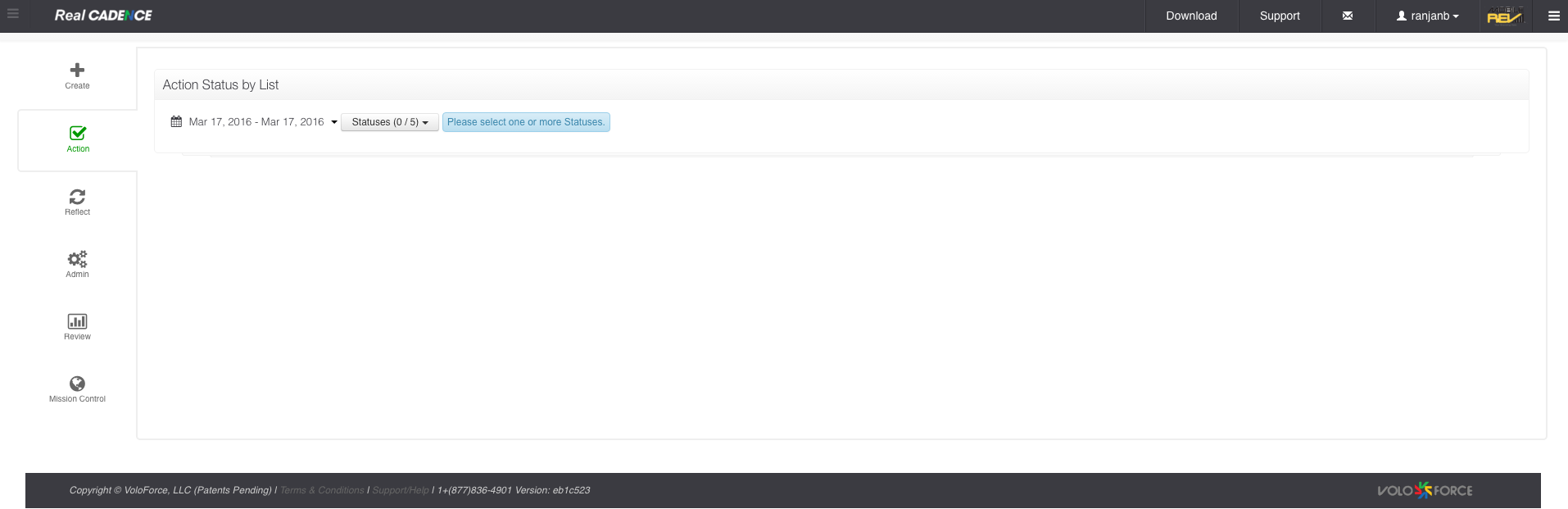
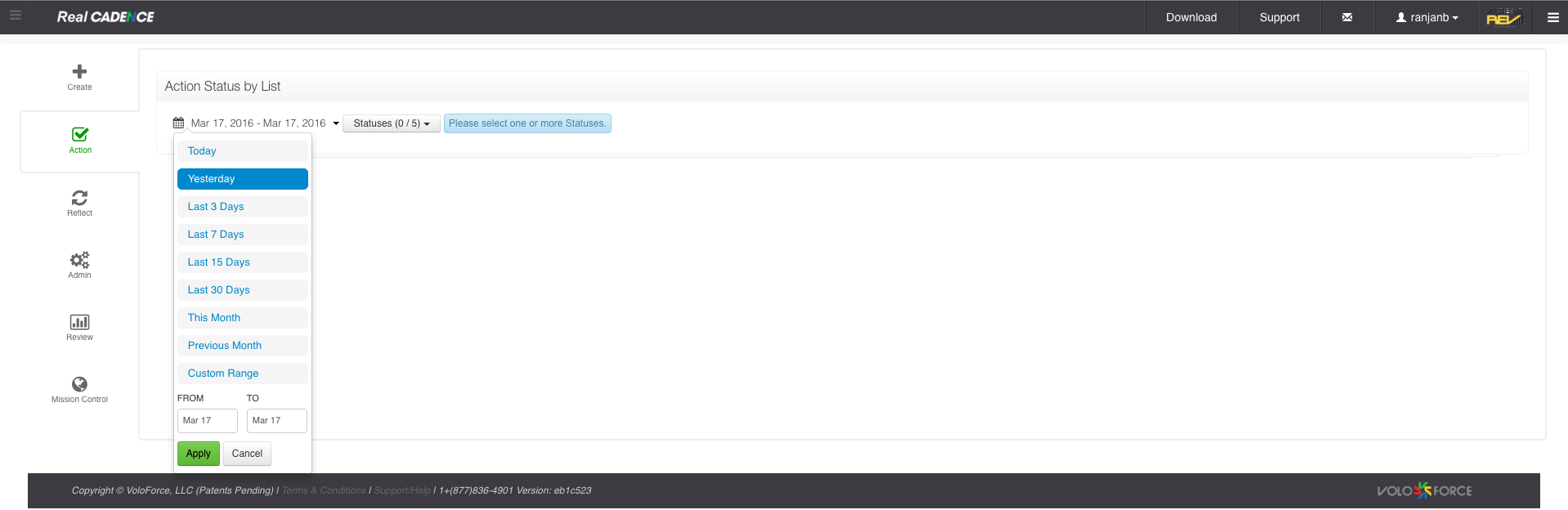
- Select a date range for which you want to review actions.
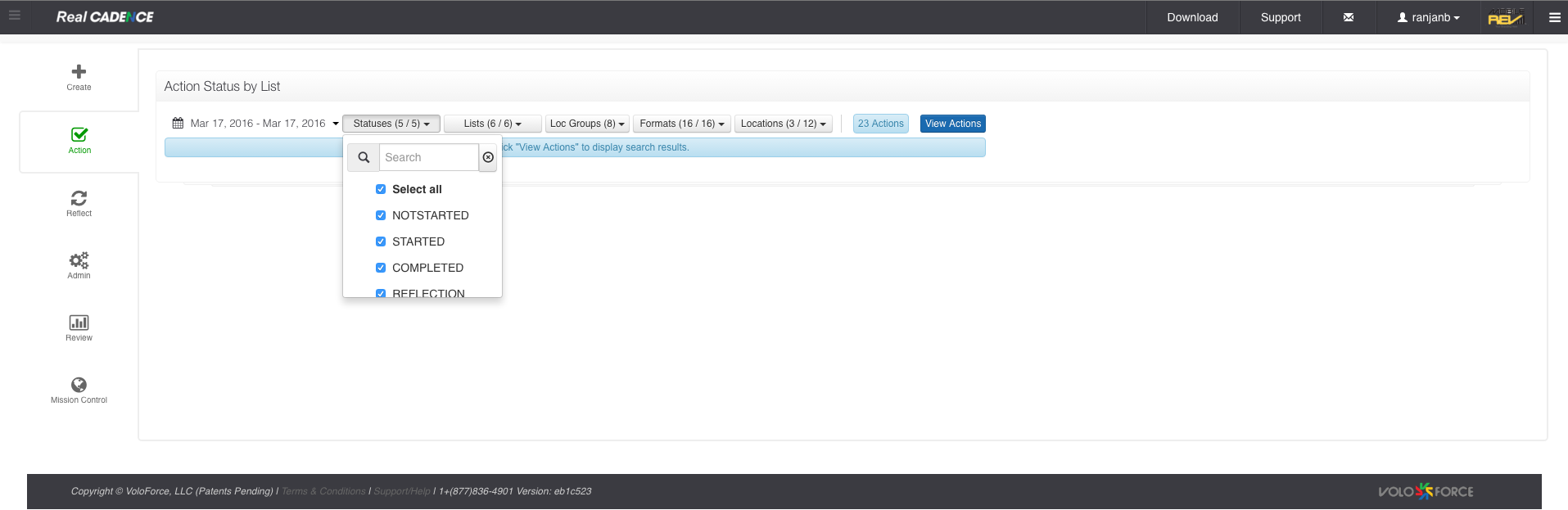
- Select the statuses you want to work on. By default all are selected.
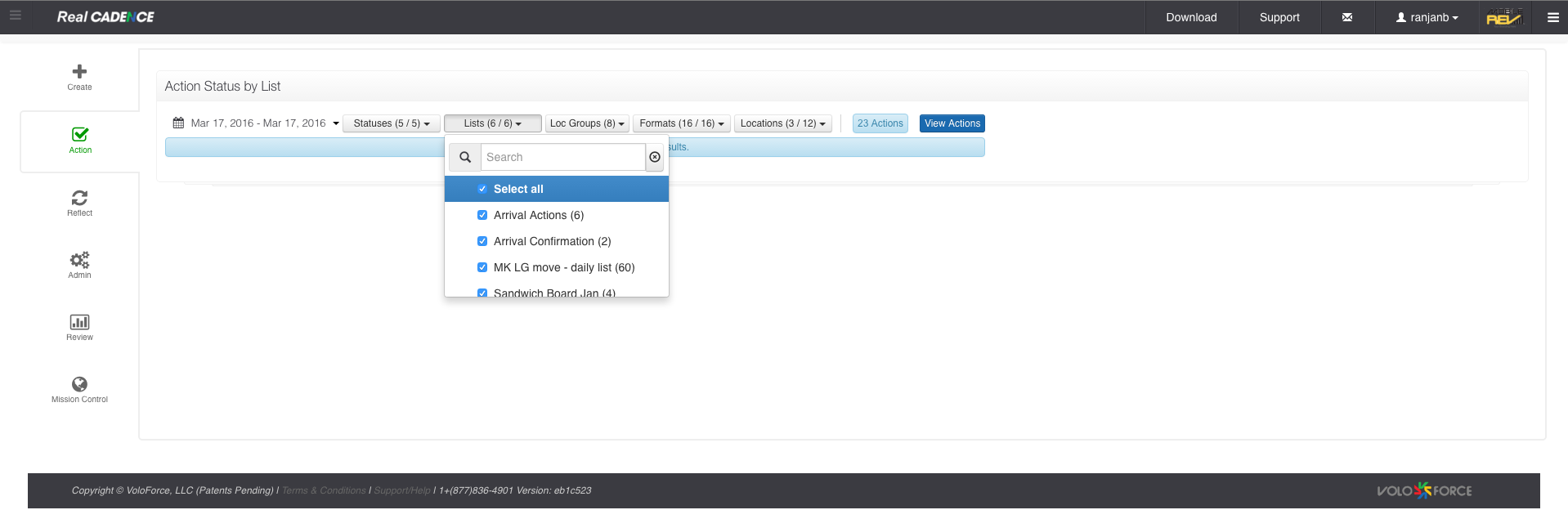
- Select the lists for which you want to do the review.
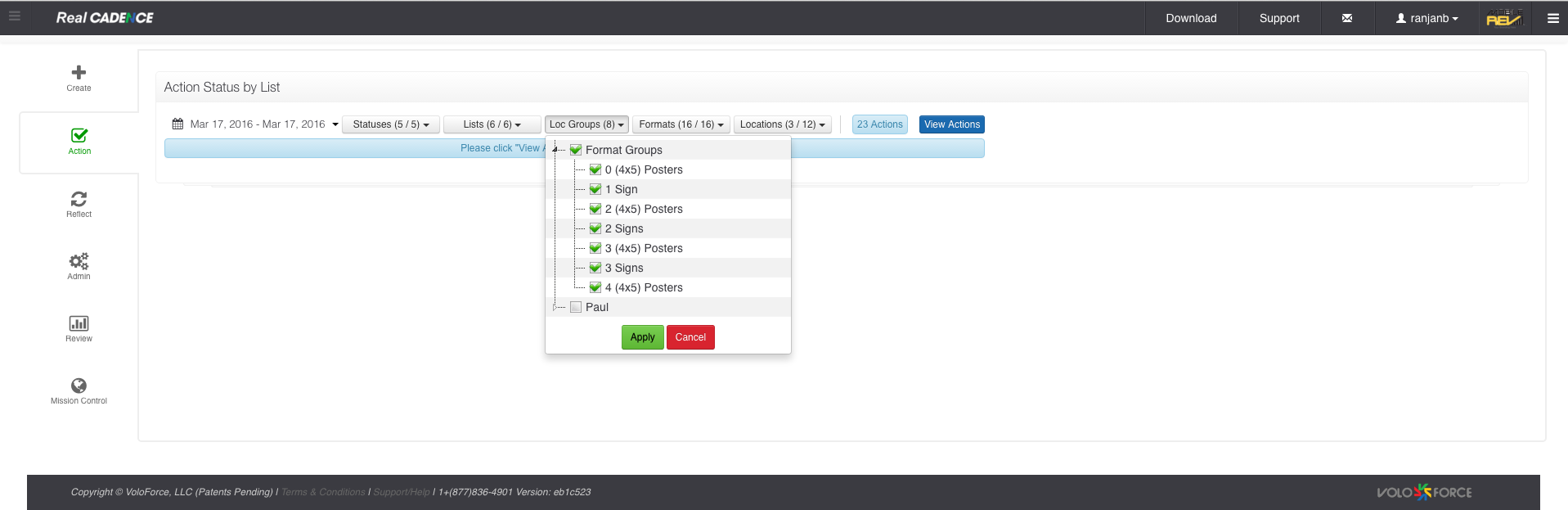
- Select the location group and click Apply Button.
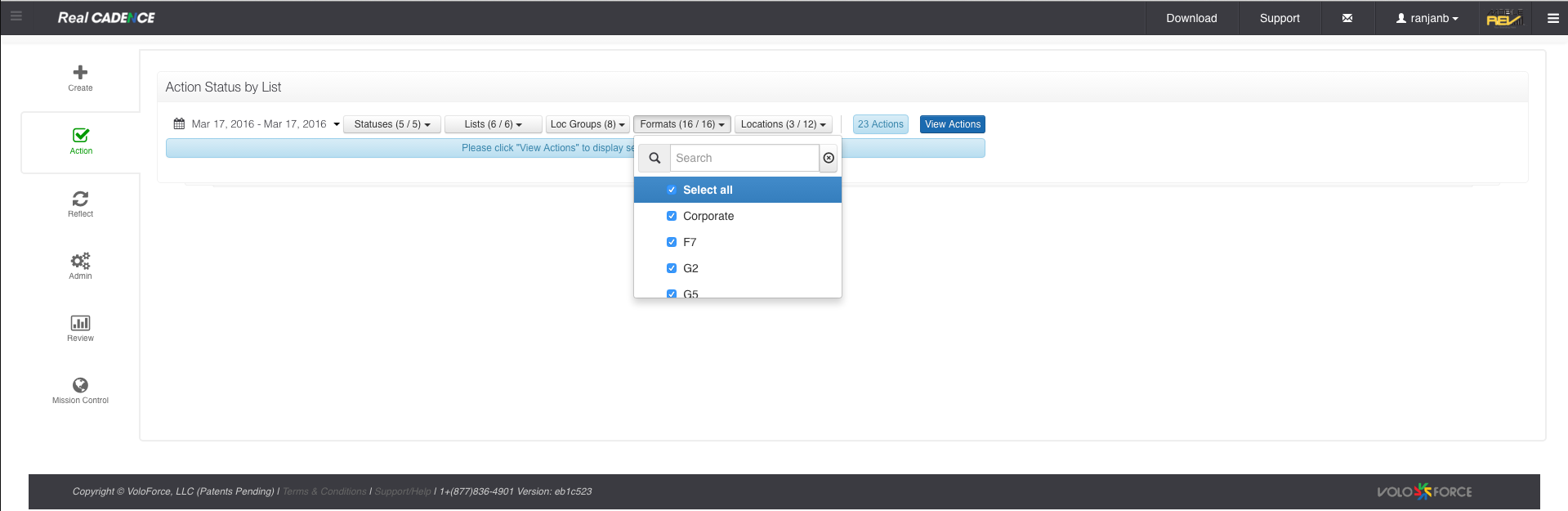
- Select Formats.
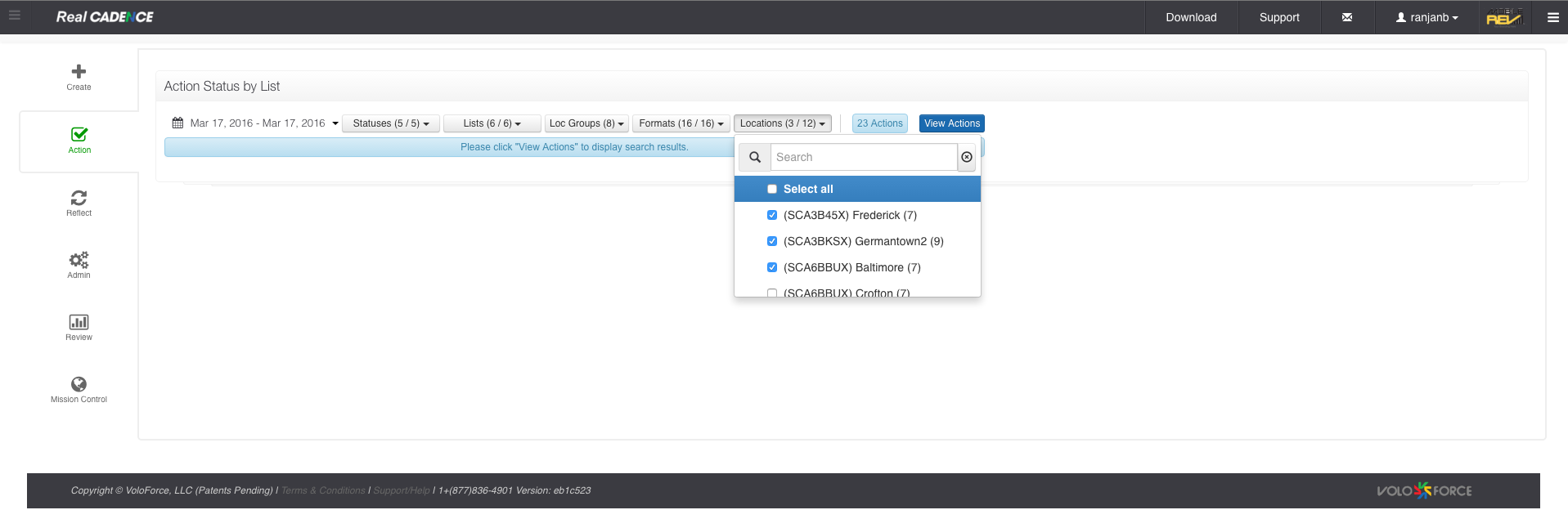
- Select the locations for which you want to review the actions.
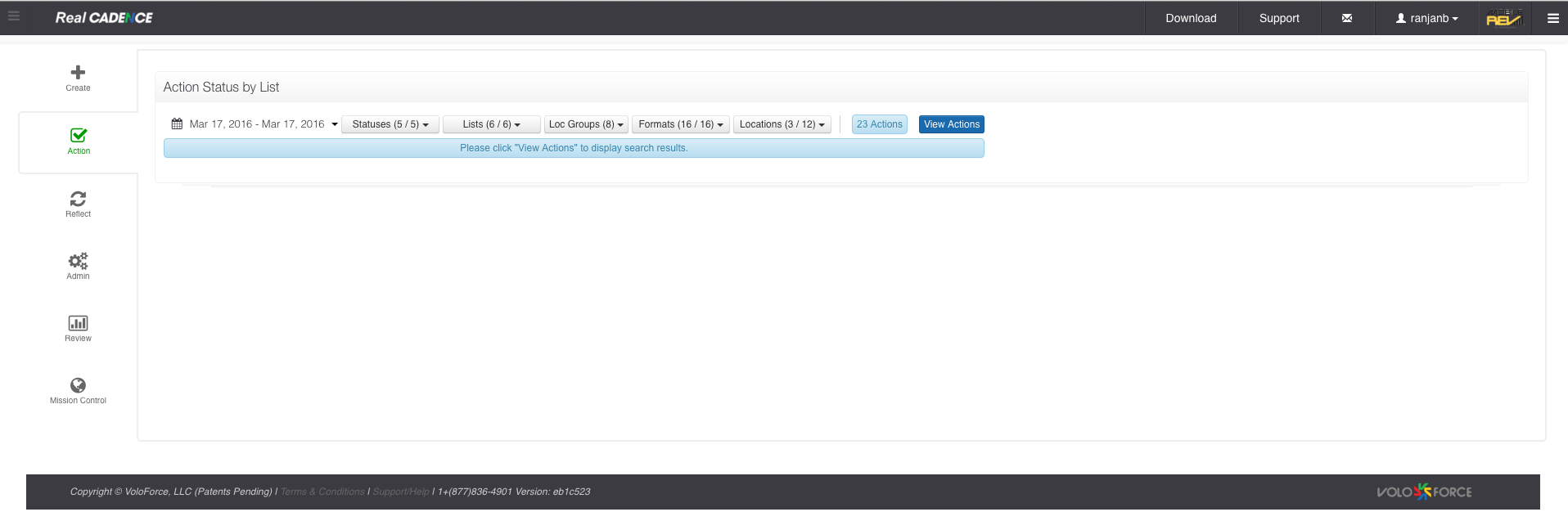
- Click View Actions Button.
- Click the Action List that you want to audit.
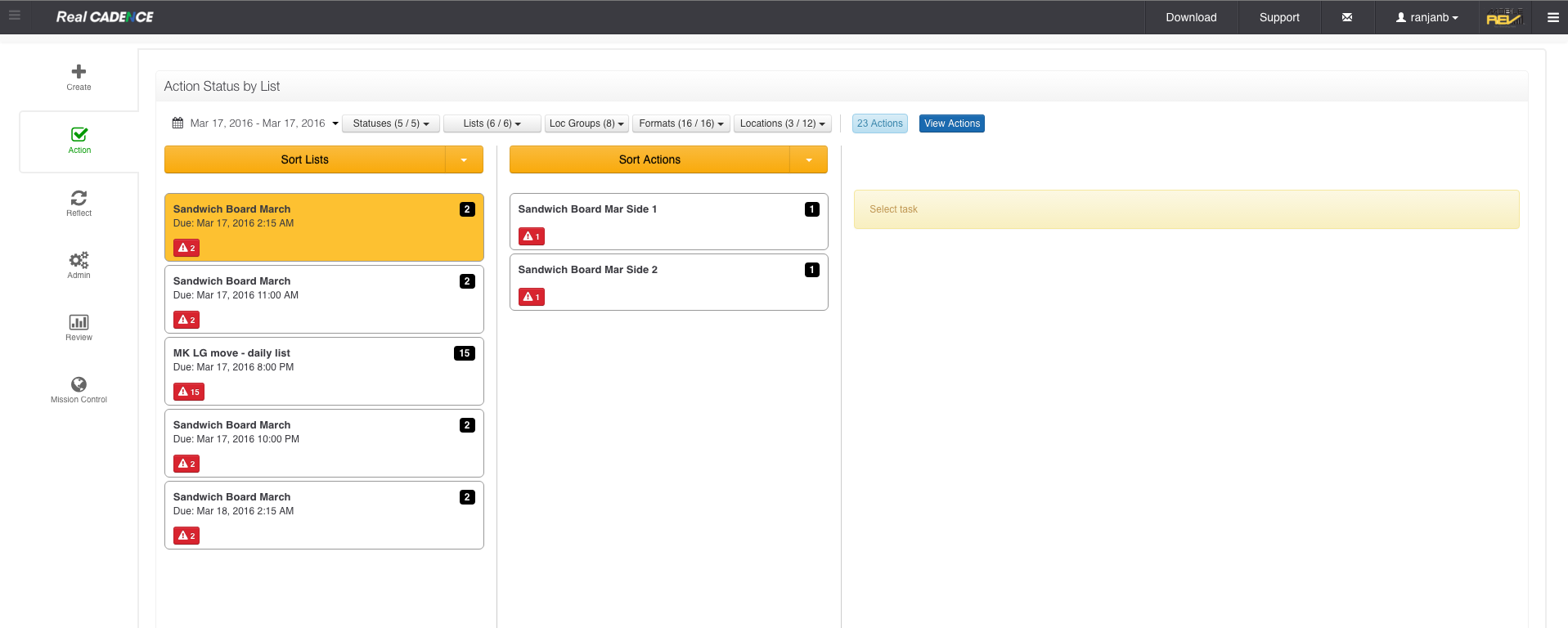
- Click the Action that you want to review for all locations. A list of location actions is displayed in the third column. The date and time of each action is color coded to represent its current status.
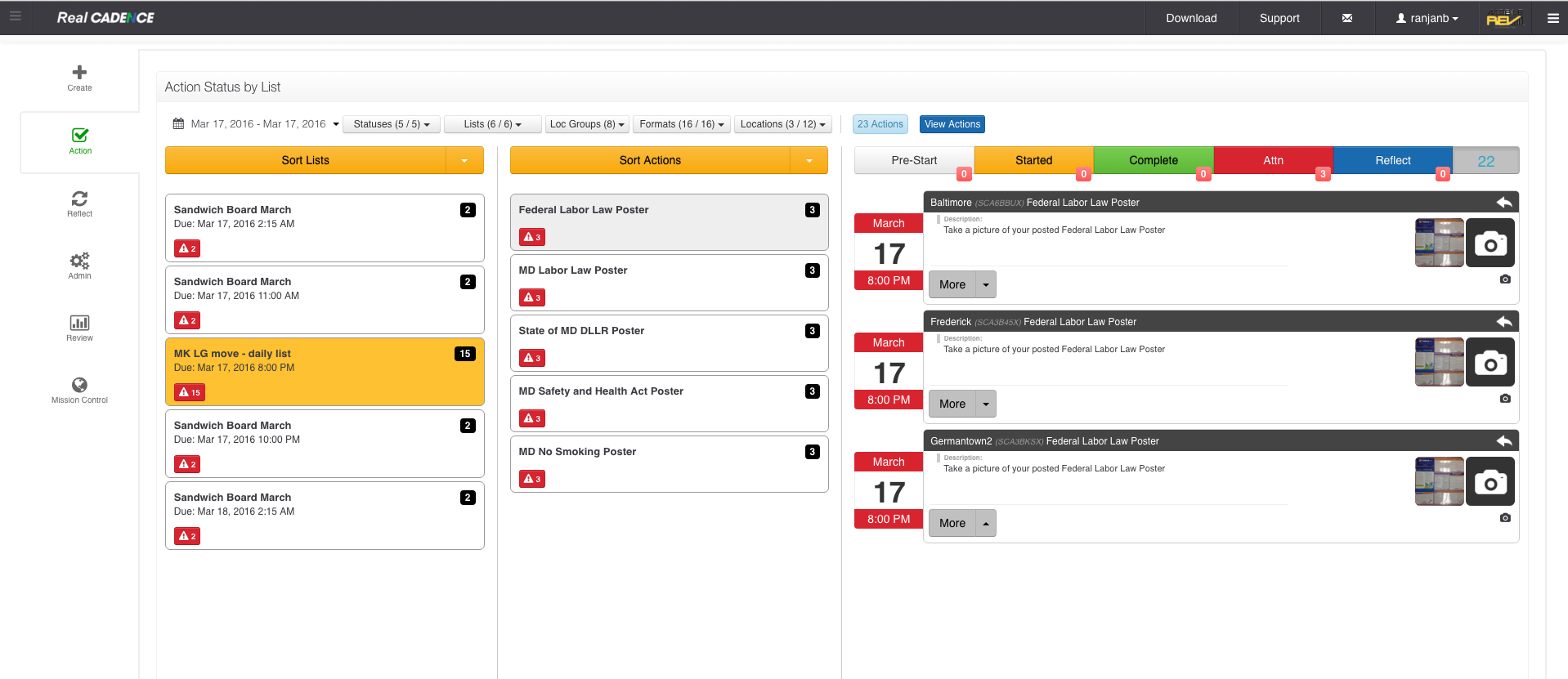
- To filter it by action status, click the toolbar above the list of actions.
- To address an action, click the More drop-down menu in the action's entry on the list. A pop-up opens to show available responses.
- To refresh the list of action statuses, double-click the countdown at the upper right.
How-to: Review Action Statuses for Action Lists

Comments
Please sign in to leave a comment.