
- Open the browser
- Enter the URL to get to the login screen.
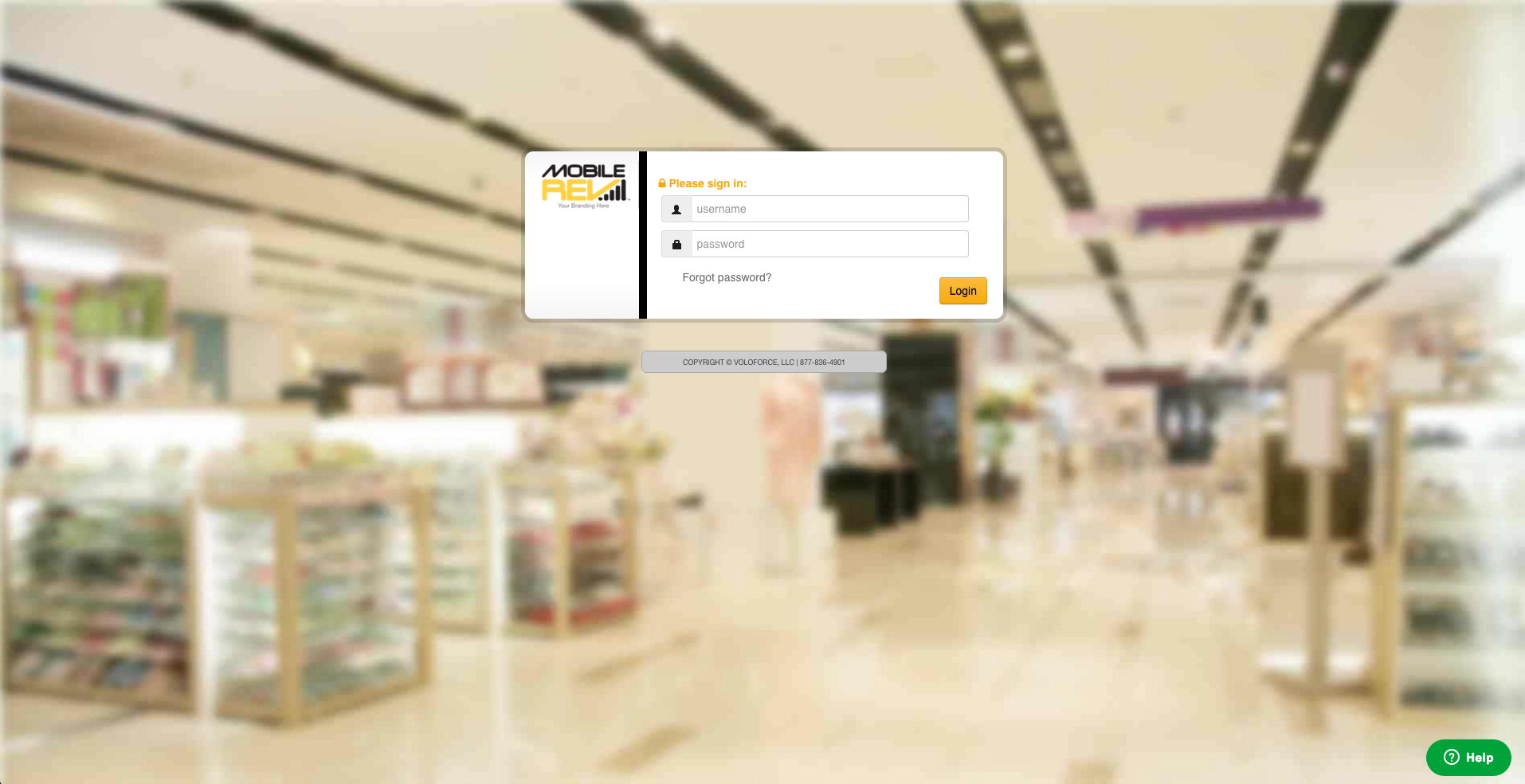
- On the login screen click Forgot Password.
- It will prompt you to enter the username.
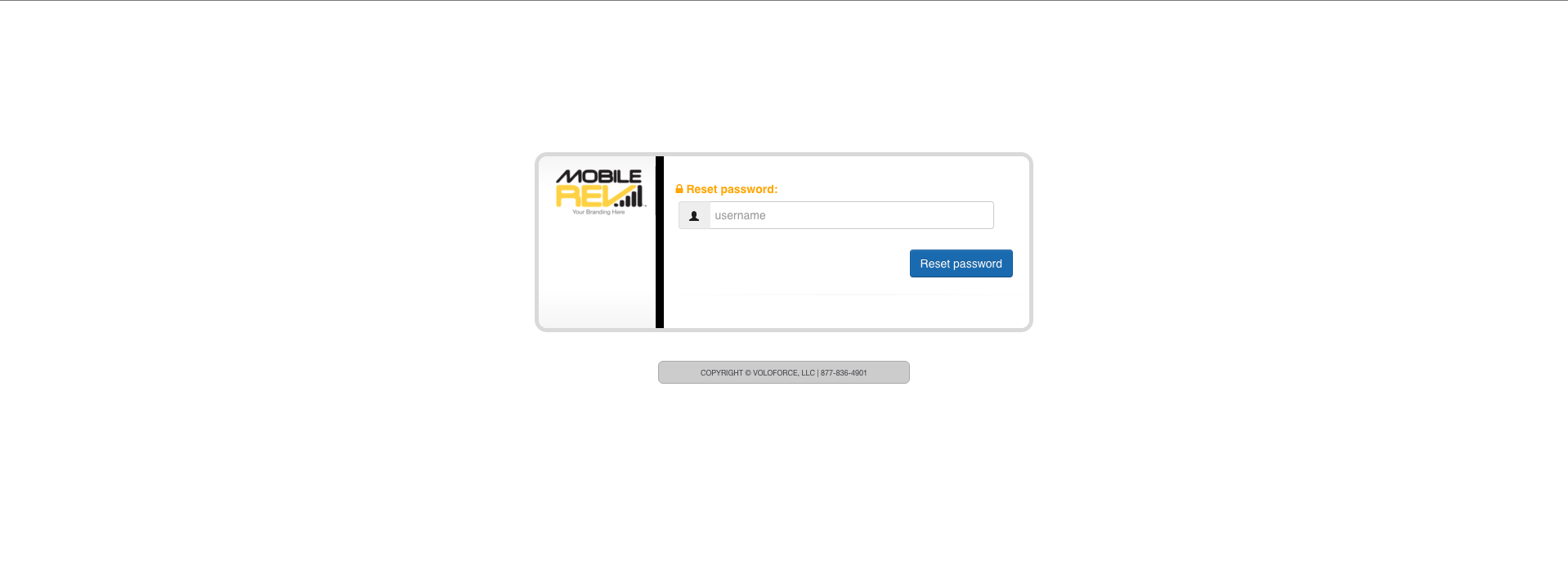
- After that click Reset Password Button.

- You will See a pop after you click the Reset Password button and You should receive an email with the new password.

Comments
Please sign in to leave a comment.